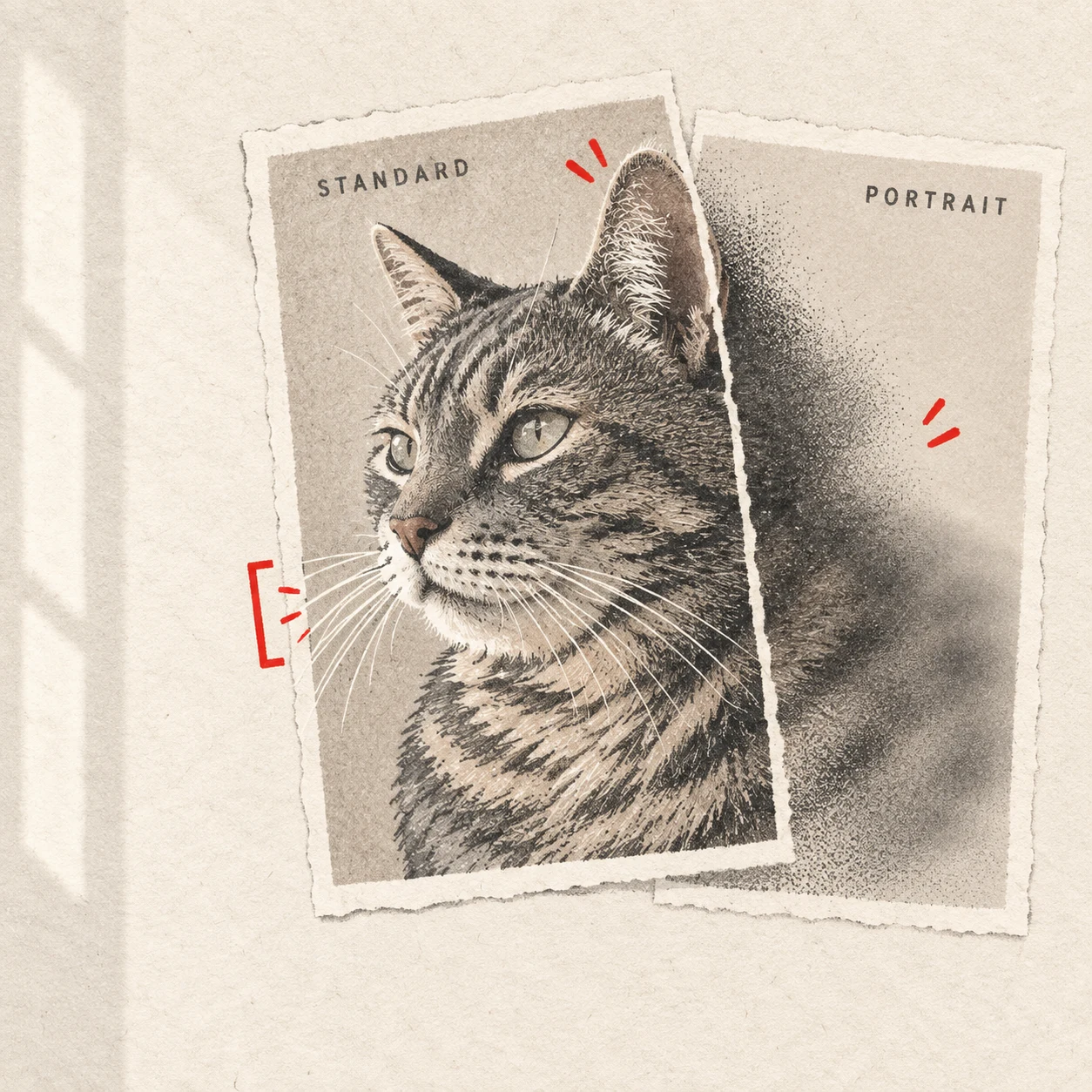
Upload the photo that preserves your pet’s recognizable features most clearly. When two shots have equally clear faces and similar expressions, prefer the standard camera photo if it keeps more of the ear tips, whiskers and coat outline. A portrait mode photo can still be suitable when those details remain readable. The camera mode alone does not decide whether a source will work; the useful comparison is what each file actually shows.
How portrait mode can affect your pet’s outline
Many phone portrait modes estimate which parts of a scene belong to the subject, then apply simulated background blur. Fine whiskers, wispy ear hair and gaps between curls can be difficult boundaries to judge. The effect may soften a piece of the pet along with the background or leave a sharp patch beside an otherwise blurred edge.
Look for interrupted whiskers, a strangely smooth ear tip or a section of fluffy cheek that seems to disappear. These are reasons to inspect the original more closely, rather than proof that the photo is unusable.
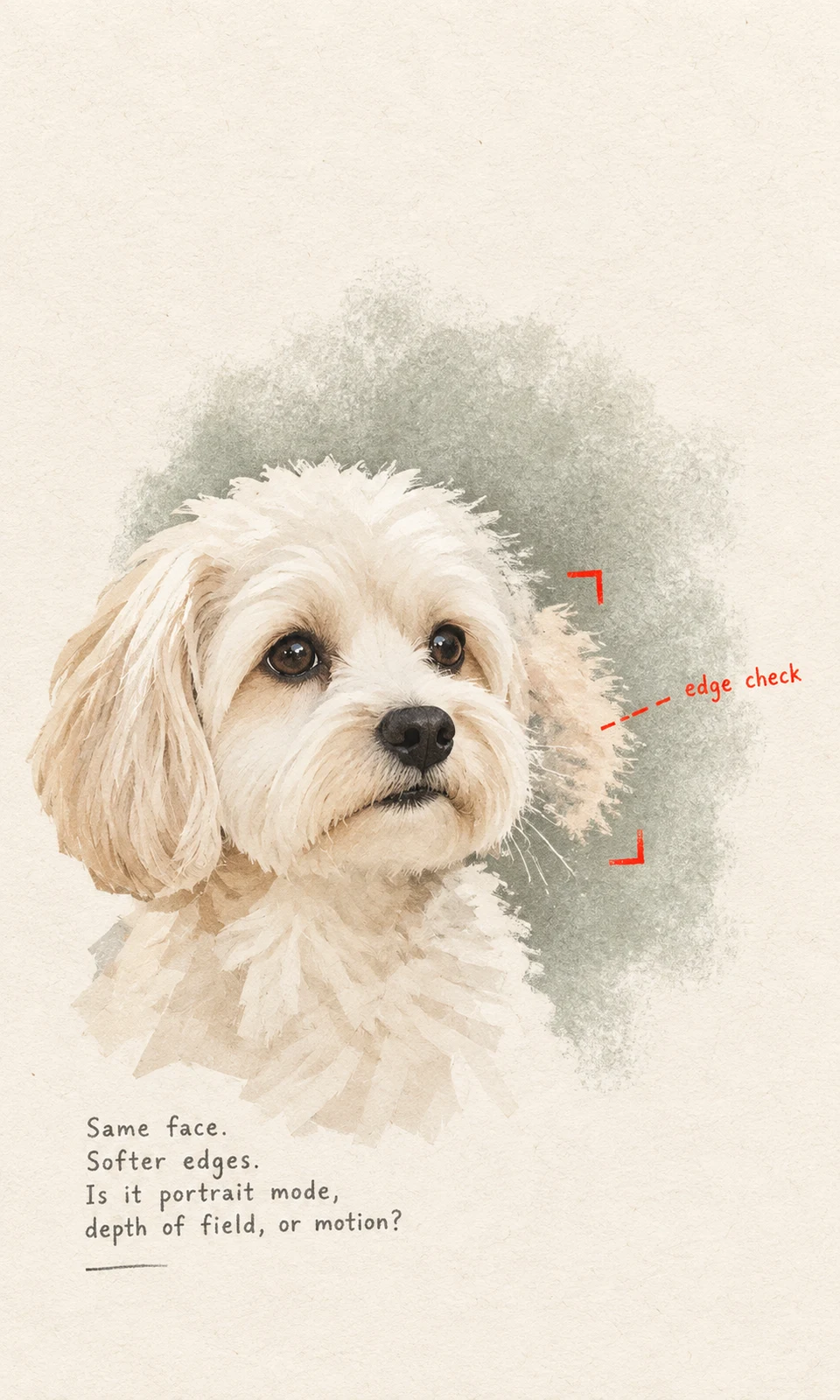
Also distinguish simulated blur from missed focus or movement. Portrait processing can affect the boundary while the face remains crisp. Missed focus may soften the eyes and nose; movement may produce streaked or doubled features. Natural depth of field can also leave an ear softer than an eye. Both camera modes can capture these problems.
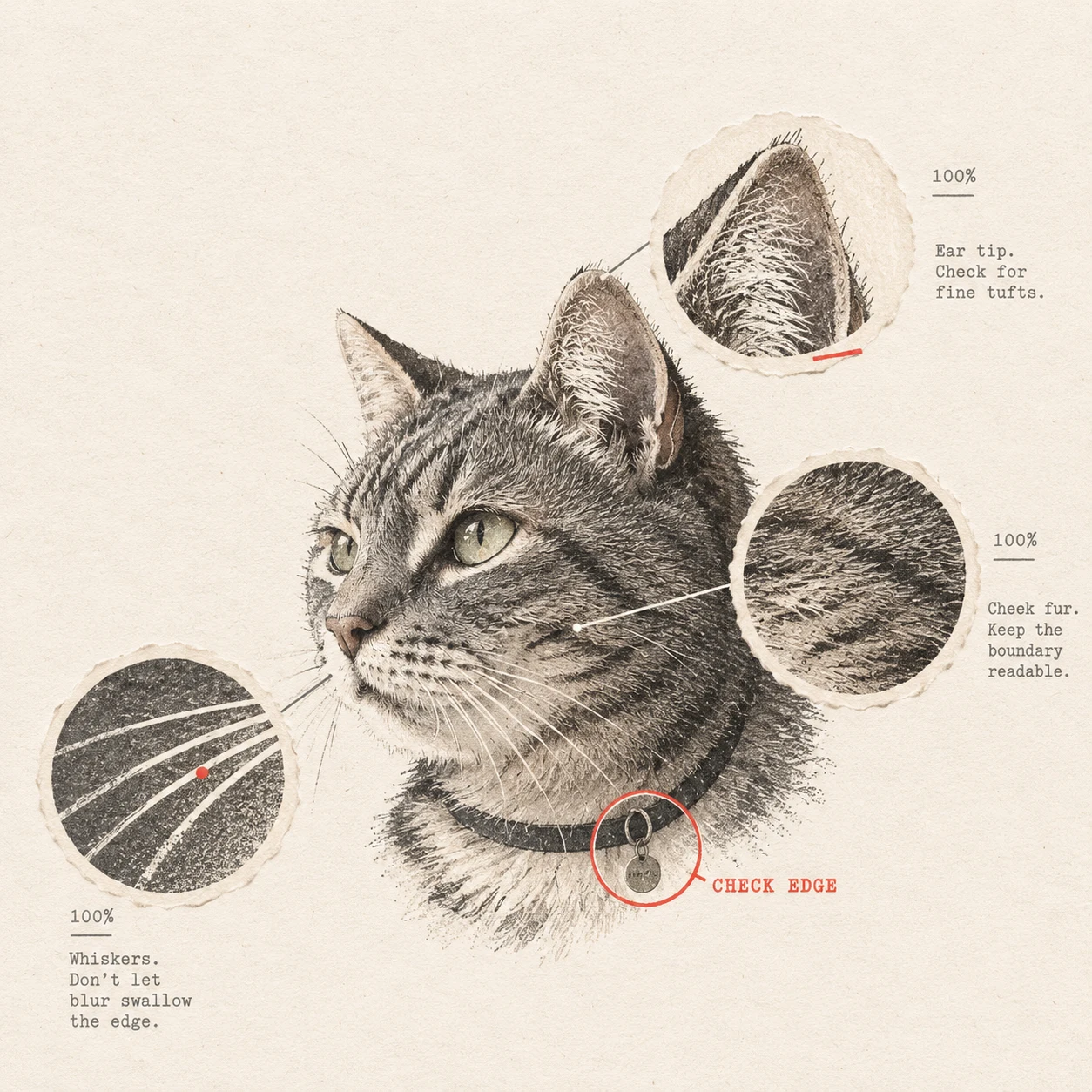
Compare the ears, whiskers and collar at full size
Open the original files from the same shooting session. Start with the whole image to judge expression and posture, then inspect matching areas at a similar scale, around 100% where your viewer allows it. A small phone preview can conceal uneven edges.
Check these four areas:
- Eyes and muzzle: Are the visible eye shapes, nose and important facial markings readable? A tidy outline cannot compensate for an indistinct face.
- Ear edges: Follow each ear from its base to its tip. Check whether a fold, tuft or pointed tip becomes rounded or fades into the background.
- Whiskers and cheek fur: Look for abrupt breaks or a blurred band crossing otherwise clear fur. Compare with the standard shot where the angle is similar.
- Collar and tag: Check any accessory you want preserved. A collar edge may fade into neck fur, while a tag may lose its outline against the background.
You do not need to count every hair. Fine pale whiskers against a pale wall may be hard to see in either mode. Concentrate on details that affect recognition.
When both photos work, choose expression and faithful shape
If both files show a clear face and believable outline, choose the expression or posture you most want in the portrait. A resting pose or sideways glance may be more characteristic than the most polished camera-facing shot.
When expression is equally strong, give priority to the file that makes the pet’s actual silhouette easier to judge. A busy background can be assessed separately; it does not automatically make the standard photo a weaker source. KeptPaw’s Photo Guide explains why readable features matter more than polish.
For a hypothetical example, imagine two photos of a terrier taken seconds apart. Both show the same alert gaze, but portrait mode has softened the bent tip of one ear into the hedge behind it. The standard frame is the stronger reference because that familiar bend remains visible.
Compare carefully if your pet moved between frames. A different ear position may be a real change in pose, not a processing error.
If you only have the portrait mode photo
Begin with the original camera file. If your phone’s editor still offers a portrait-blur adjustment, compare the photo with the effect reduced or switched off. Keep the original while checking. Availability depends on the phone and how the file was saved; a screenshot or exported copy may no longer contain editable portrait information.
Reducing an editable effect may expose detail retained in the capture. It cannot reliably recover fur, whiskers or facial features that the available file does not contain.
If the expression and defining shapes remain readable, explain the uncertain area in your notes. An illustrative note might say: “This was taken in portrait mode. The fur beside the ear on the left side of the image may be softened by the effect. Please check whether that outline is clear enough; the folded ear and white chin patch matter most.”
If the eyes or muzzle are genuinely blurred, use the guide to dark, cropped or blurry pet photos to assess that separate limitation.
Send one source with a clear note
Choose one primary photo rather than making a side-by-side collage. KeptPaw’s current guidance accepts one JPG, PNG or WebP file up to 10 MB. Preserve its original size, crop and color when possible, and name the feature you most want kept accurate.
If you are unsure whether portrait blur has removed too much, request a free photo suitability review before purchasing. The review checks the source image; it does not create an order or include a finished portrait.
For an existing paid order, send the selected photo and notes through your private order link, as explained in how the portrait process works. This keeps the source connected to your order.