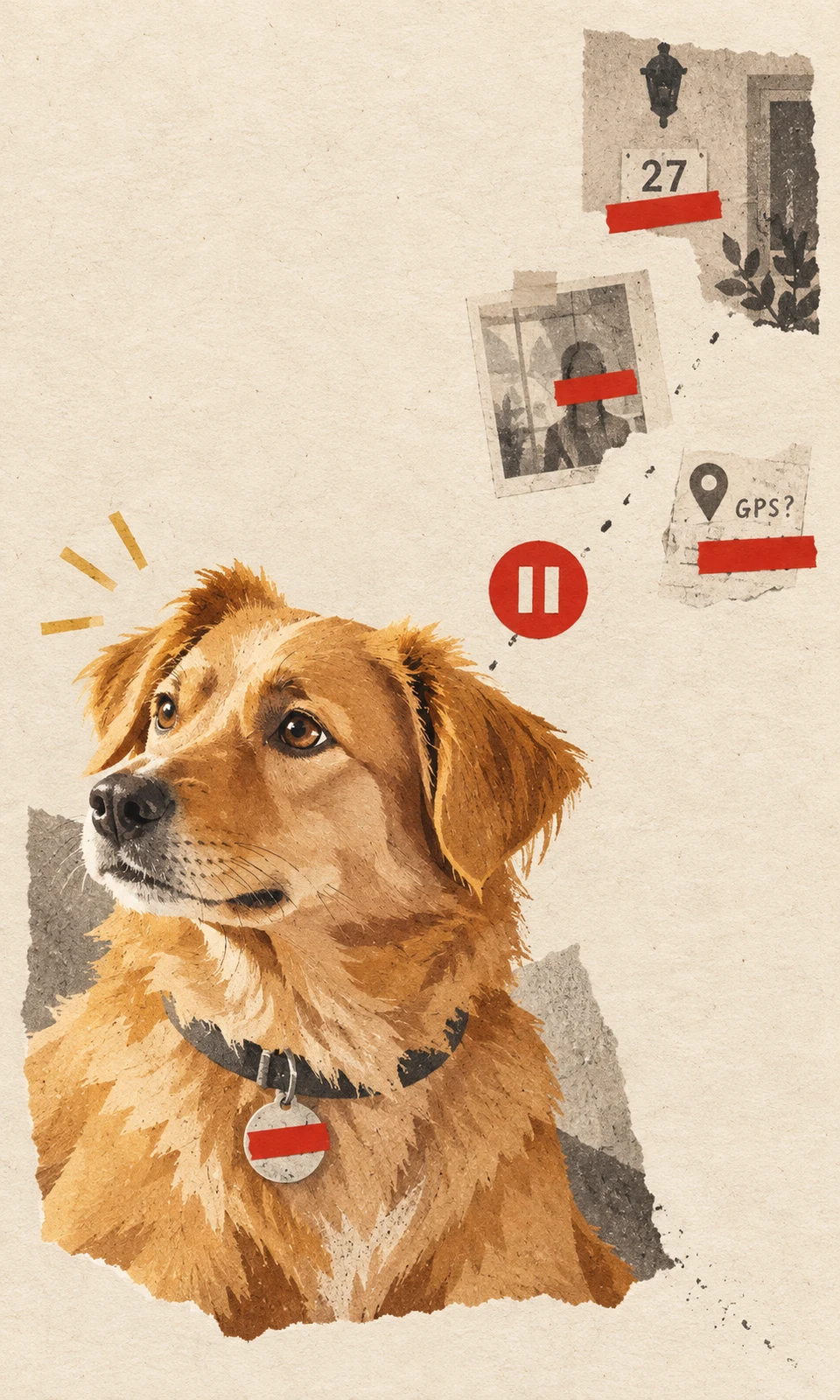
Before uploading a pet photo, inspect the full image for people, readable tags and location clues, then check whether the file carries location metadata. Choose another photograph or prepare a carefully edited copy if it includes information you would rather keep private. Preserve the original separately.
This check matters even for a free photo suitability review: submitting a photograph still shares the file. Finish your privacy check before choosing an upload route.
Zoom in on people, reflections and readable details
Open the photograph at full size rather than judging the thumbnail. Scan from corner to corner, then look closely at the collar and the area immediately around your pet.
Check for:
- People: faces, children in the background, and reflections in mirrors, windows or glass doors.
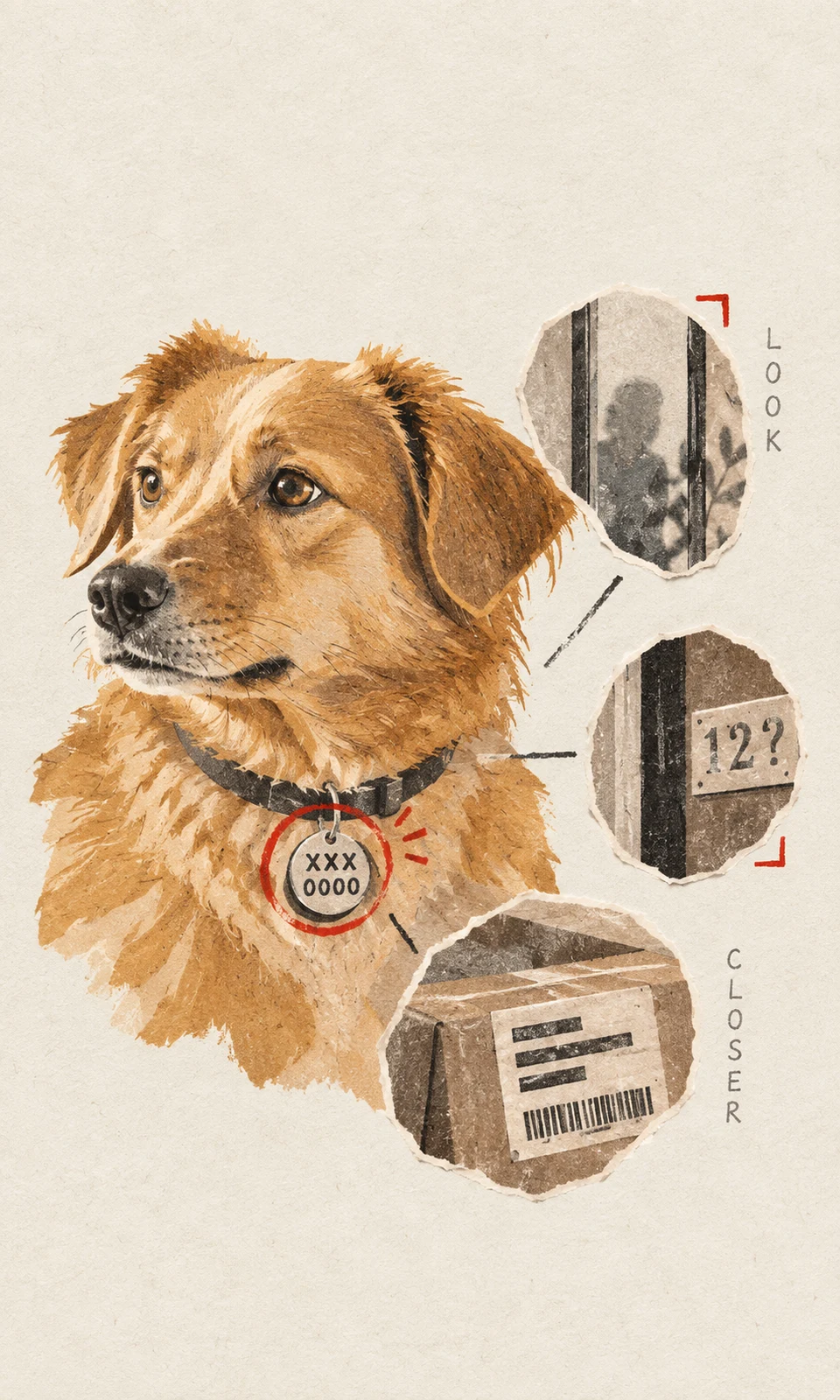
- Tags and accessories: telephone numbers, names, addresses and readable codes on collars, harnesses or tags.
- Household details: parcel labels, letters, paperwork, computer screens and calendars.
- Location clues: house numbers, street signs, vehicle plates, workplace badges and recognizable entrances.
Consider combinations as well as individual details. A doorway and a street sign may reveal more together than either would alone. A collar tag can remain readable even when it occupies only a small part of the picture.
If someone else is recognizable, check that they are comfortable with the photograph being shared, or select a frame without them.
Choose another photo when it solves the problem
Before editing, look through nearby shots from the same moment. Another frame may preserve the familiar expression while leaving a person, label or doorway outside the image.
For a portrait, compare the alternatives by the details you want retained: the eyes, ear shape, coat markings and posture. The cleanest background is not automatically the best source if the pet’s face is blurred.
Hypothetical example: two photographs show a cat resting on a chair. One includes a visitor’s face and an addressed parcel; the other shows the same resting pose against the chair back. If the cat’s defining features are equally clear, the second photograph needs less preparation.
For broader guidance on source quality, use KeptPaw’s Photo Guide.
Crop with your pet’s outline in mind
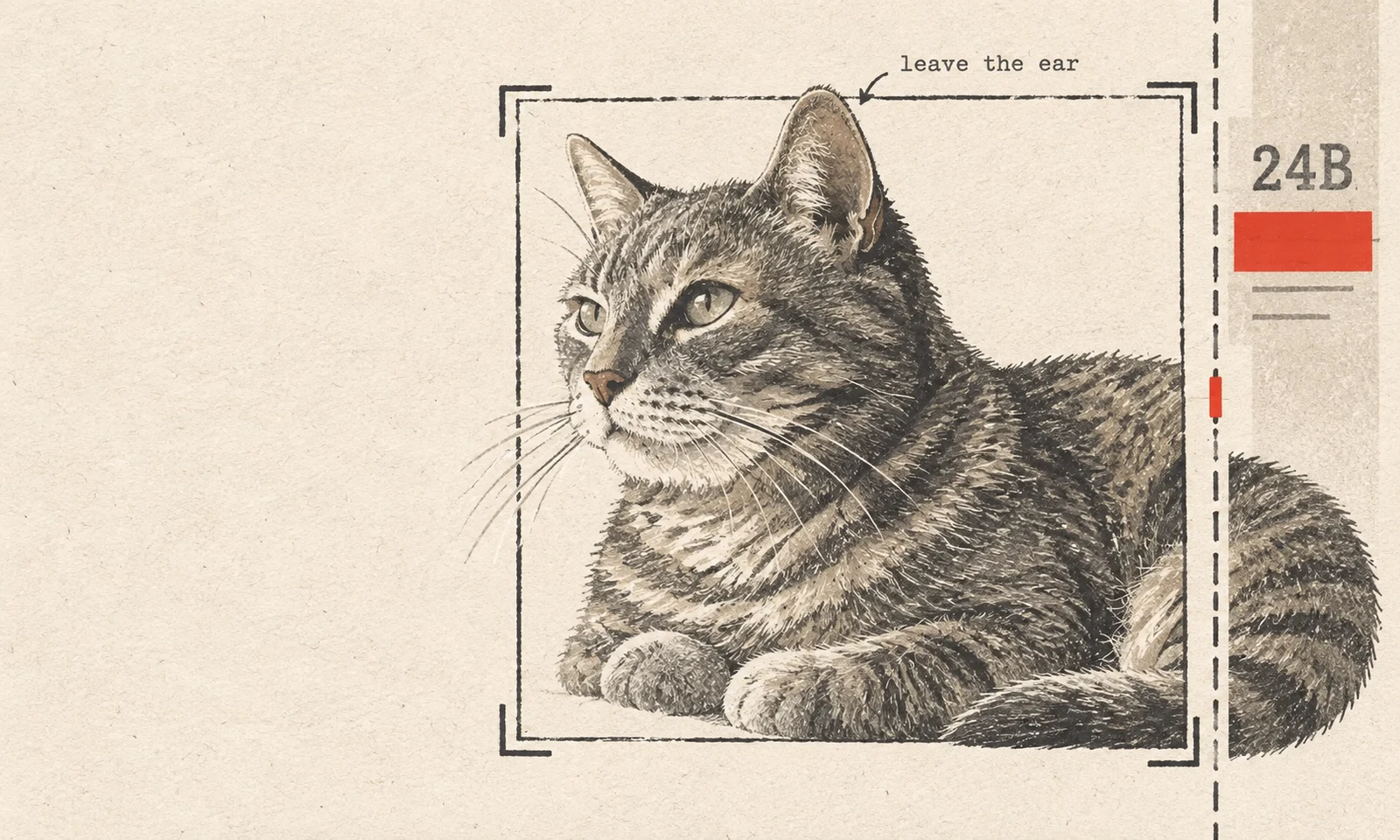
Work on a duplicate so you can compare the result with the untouched original. Crop only as far as needed, then check the pet again at a normal viewing size and full size.
Leave space around the ears, paws, body and tail when those features belong in the intended portrait. Removing a house number is useful; cutting through the ear beneath it may make that photograph unsuitable for the composition you want.
A crop also has limits. It cannot remove a telephone number on a tag near the center of the image without removing part of the pet. If you cover sensitive text, use an opaque block on the working copy and inspect the exported result. Keep the covered area away from defining markings where possible.
Missing or covered photographic detail cannot be reliably recovered. If protecting a tag also hides an important chest marking, choose another source or ask whether the prepared image is usable. Do not upload the sensitive original simply because you hope the finished artwork will omit the information.
Check location information attached to the file
Visible content is only one part of pet photo privacy before uploading. A photograph may also contain metadata: information stored with the image, sometimes including the capture date, device details and GPS coordinates if location was recorded.
Cropping out an address does not establish that location metadata has been removed. Likewise, changing a filename or covering a tag does not necessarily change information stored inside the file.
Use your device maker’s or photo app’s current official support instructions to check:
- How to inspect location information associated with a photograph.
- Whether there is a supported way to remove it or save a copy without it.
- Whether the chosen setting applies to the file and upload method you will actually use.
That last distinction matters. A location toggle in a sharing menu may apply to that sharing action without changing the file later selected in a browser upload form. Turning off location recording for future photographs also does not establish that older files have changed.
Check the saved copy using the documented method. Do not assume an upload service will remove metadata for you.
Reopen the exact file you plan to upload
After cropping, covering text or adjusting location settings, reopen the saved file you intend to submit. Make sure you selected the prepared copy rather than the original.
Confirm that sensitive details are no longer visible, the pet’s important features remain readable, and the filename does not contain an address or other information you prefer not to share. Avoid using a screenshot as a shortcut; prepare the copy from the original file to preserve useful detail.
KeptPaw’s Photo Guide currently accepts one JPG, PNG or WebP file up to 10 MB. Add a short note identifying any intentional crop or covered area that affects the pet.
If storage, deletion or future display affects your decision, ask the studio to confirm those points before sending the photograph.
Before purchasing, you can request a free photo suitability review using the copy you have checked. The review assesses the source image; it does not create a paid order. If you have already paid, use your private order link, as explained in How It Works, so the photograph and notes stay connected to your order.