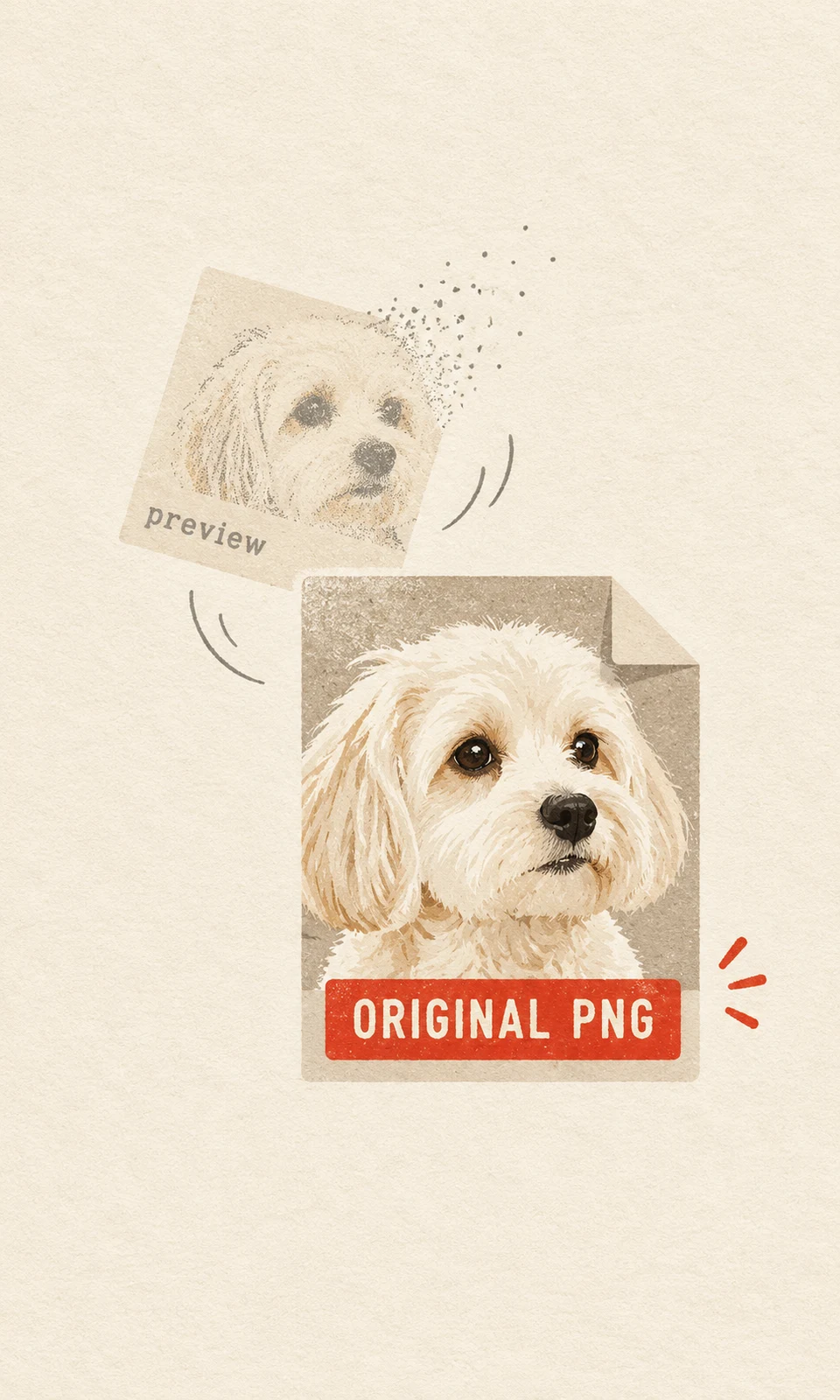
The most useful way to present a digital pet portrait gift is to save the approved PNG first, use a separate preview for the reveal, and give the recipient a clearly labeled original file to download. Add a short personal note and ask before sharing the portrait publicly.
Here, original file means the finished portrait PNG supplied by the studio. KeptPaw delivers a digital keepsake for personal use; no physical item is manufactured or shipped. Your presentation can feel thoughtful while making that digital handoff clear.
1. Save the approved high-resolution PNG first
Before arranging the surprise, download the finished file yourself. A portrait visible in a browser or message is not necessarily saved on your device, and an earlier proof can be easy to mistake for the final version.
KeptPaw’s Digital Delivery guide currently specifies a private download link active for 14 days. Check the expiry for your delivery and save the PNG before the link expires, even if the gift occasion is later. Do not make the recipient’s ability to keep the portrait depend on opening that link in time.
Use this short sequence:
- Download the approved PNG from the final delivery link.
- Open it from your device’s saved files and check that it is the complete, approved portrait.
- Give it a recognizable filename, such as Miso-portrait-original.png.
- Keep an additional copy in a separate location, such as your cloud storage or an external drive.
Keep this saved original unchanged. If you want a cropped preview or a version with a greeting, make a duplicate first. This leaves you with a clean file to give the recipient and a backup if the first transfer goes wrong.
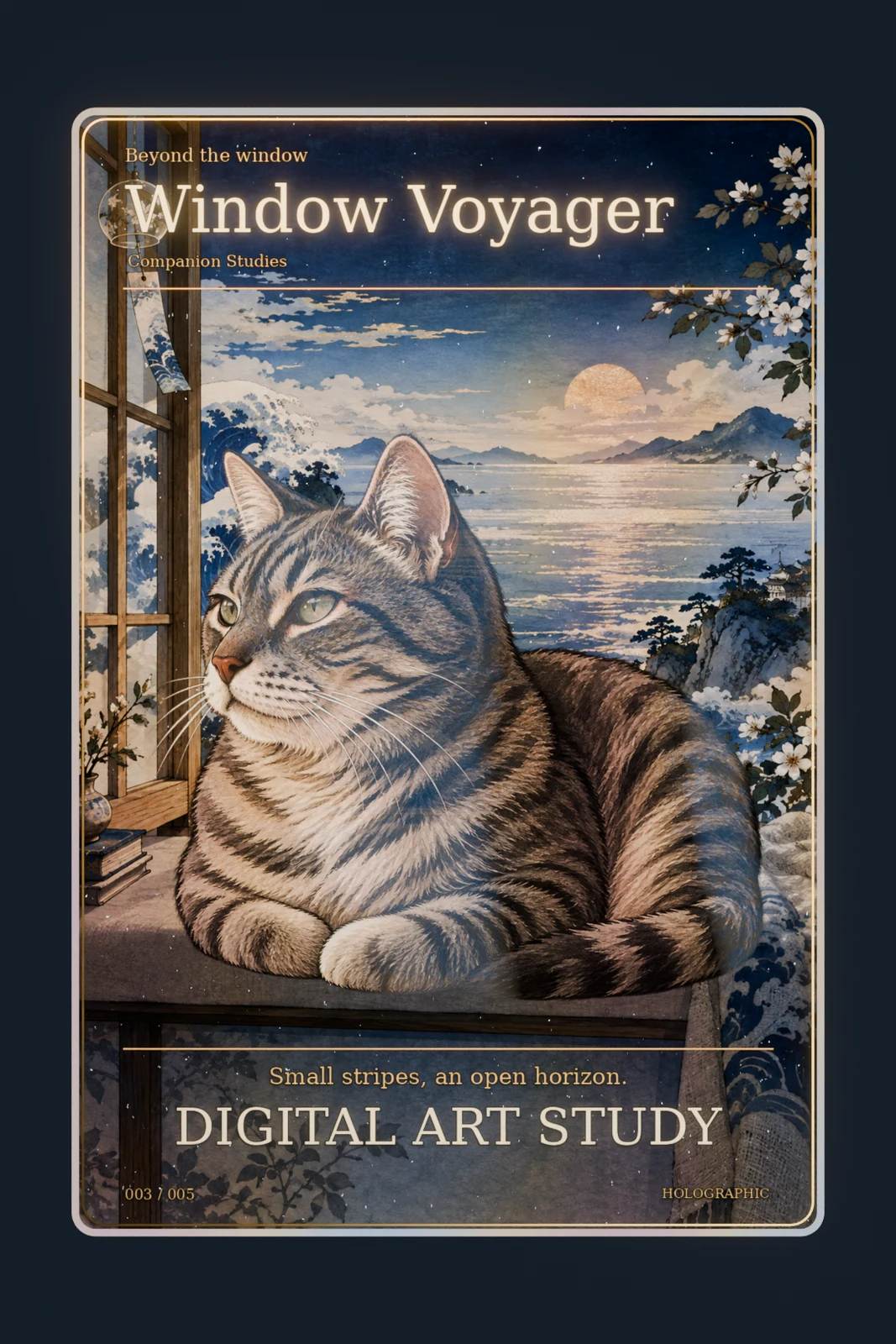
2. Separate the reveal preview from the file to keep
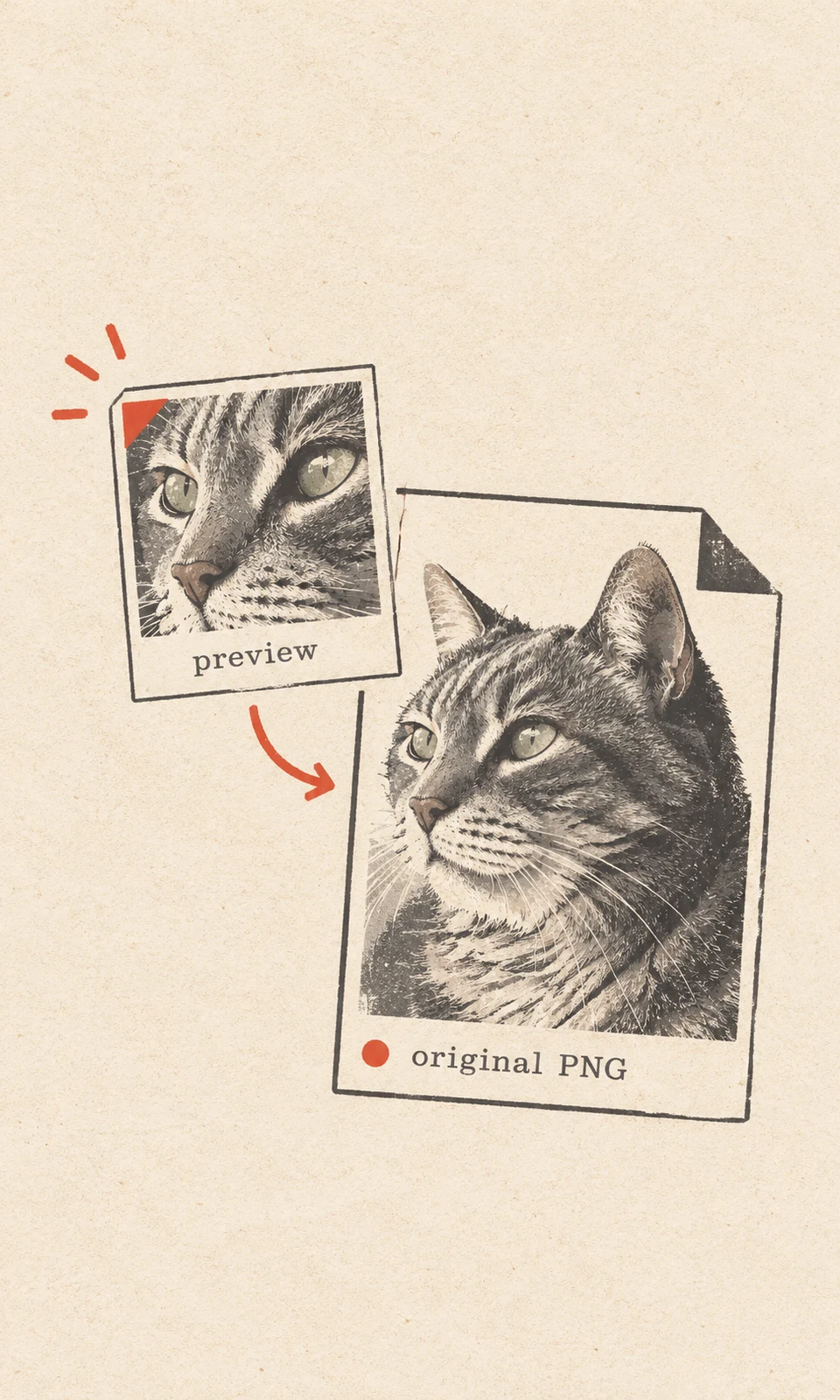
A preview helps introduce the gift. The original PNG lets the recipient keep the artwork at its delivered resolution. These two items serve different purposes, so label them clearly.
For an in-person reveal, you might open the preview full-screen on a tablet, then send the original afterward. For a remote gift, send a preview with your personal message, followed by a file attachment labeled Original portrait — download to keep. You arrange this handoff yourself; plan the messages and attachments before the occasion.
| What you send | What the recipient gets | Practical limitation |
|---|---|---|
| Only a chat screenshot | A quick view of the portrait | It may include interface elements, cropping, or reduced detail; it does not preserve the delivered PNG. |
| A preview plus the original PNG | A reveal image and a separate file to save | The original must still be downloaded and backed up. |
| Only the original PNG, with a personal note | A simple, complete digital gift | Check that the transfer method preserves the file. |
Where available, choose a file or document attachment option. Messaging apps can handle image uploads differently, so check that the received attachment remains a PNG and compare its dimensions and file size with your saved copy. If necessary, use an email attachment or a private shared folder that allows downloading the original.
A preview is optional. If managing two versions feels cumbersome, the original PNG and a thoughtful note are enough. Never make a screenshot the only surviving copy.
3. Write a short message with meaning and saving instructions
Your message needs to explain why you chose the portrait and which file the recipient should keep. One specific observation usually says more than a long description of the commission.
A useful order is:
- The reason: the occasion, memory, or familiar habit behind the gift.
- The detail: an expression or feature that made you choose the photograph.
- The handoff: the filename and a simple instruction to download it.
For a hypothetical gift featuring a dog named Miso, the message could read:
“I chose this photo because Miso’s head tilt always reminds me of him waiting for a walk. I had it made into a portrait for your birthday. The first image is a preview; Miso-portrait-original.png is the full-resolution file. Download that attachment to your files and keep a backup somewhere you can find it.”
Adapt the saving instruction to the recipient’s device if you know it, without guessing at button names. If they are unsure, offer to help them locate the downloaded file. Seeing the image inside a chat is not confirmation that they have saved it separately.
For a remembrance gift, keep the wording gentle and leave room for a private response. There is no need to request an immediate reaction.
4. Ask before making the portrait public
Giving someone a portrait does not tell you whether they want it posted online. Ask separately before sharing the artwork, their name, a tag, or the story behind the gift.
A simple message works: “Would you like to keep this just between us, or would you be comfortable with me sharing the portrait? I can leave out names and tags.”
Wait for an answer before posting. If the recipient prefers privacy, leave the portrait in the private conversation. Their preference may be especially important when the gift marks a loss or contains a personal memory.
Still planning a future gift? The digital pet gift guide explains what the service includes. Before payment, you can request a free photo suitability review; it checks the source photo and does not create a paid order. For an existing paid order, use your private order route.